Home › LinkedIn Easy Apply
LinkedIn Easy Apply autofill, without storing your password
Easy Apply is fast until the fourth modal asks for your notice period again. ApplyCandid fills those from a profile you save once, scores each role against it first, and leaves the Submit click to you unless you explicitly say otherwise.
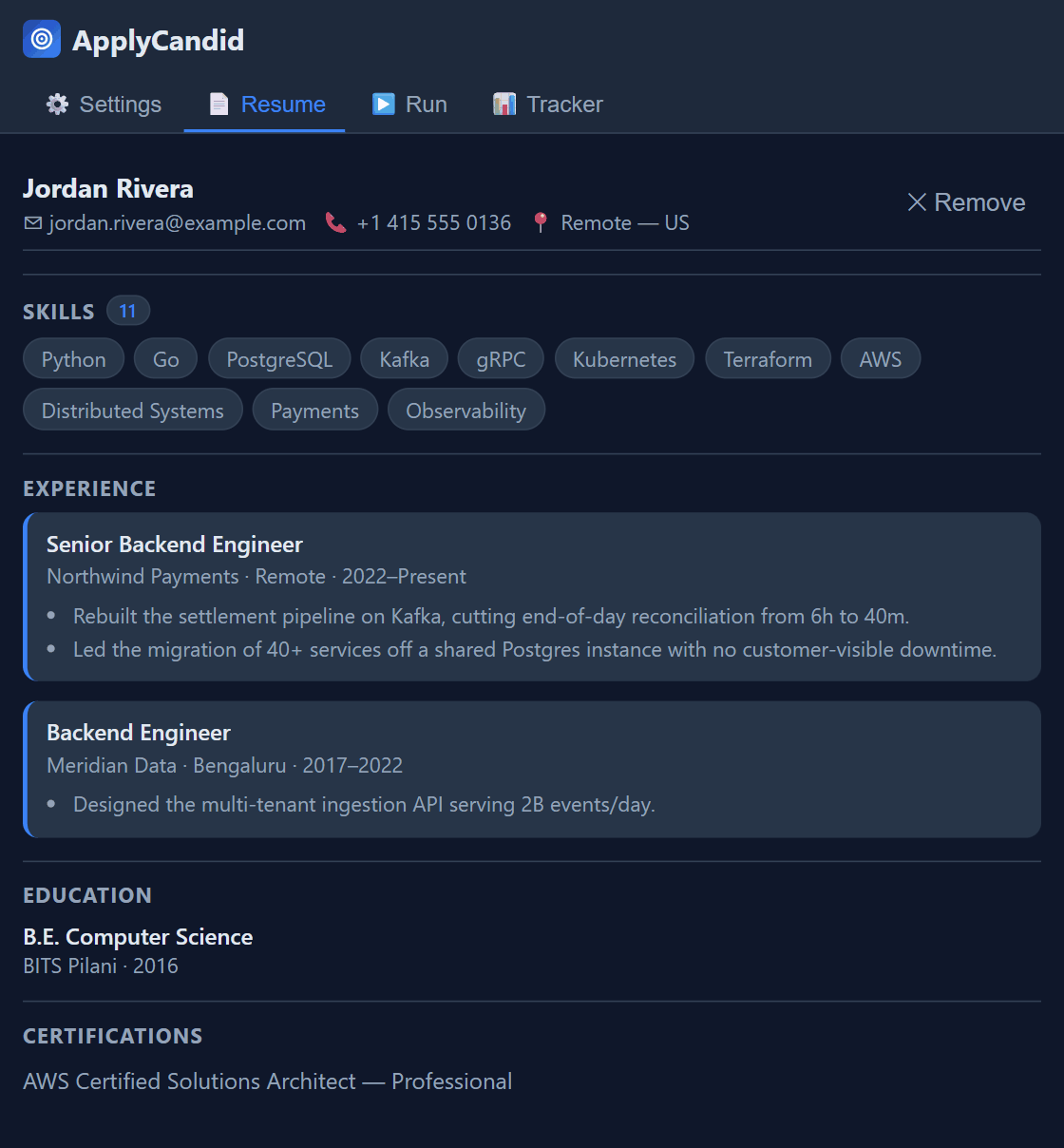
It runs in your tab, not on your account
There is no LinkedIn credential field in this extension. It acts inside the session you already have open, the same way you would if you were clicking through the modals yourself. Nothing signs in on your behalf from a server, so there is no stored password to leak and nothing to revoke beyond uninstalling the extension. The long version of how that works is on the blog.
Scoring before filling
Each Easy Apply listing is scored against your saved titles, locations and parsed resume before a single field is touched. Anything below the minimum score you set is logged as Skipped, not applied to. The point is not to send more applications — it is to stop spending them on roles that were never a fit, which is also what keeps your activity pattern looking like a person's.
What gets filled, and what does not
- Filled deterministically: name, email, phone, city, LinkedIn and portfolio URLs, work authorization, sponsorship, years of experience, notice period, relocation. No AI, no network call, nothing leaves the browser.
- Drafted by AI: cover letters and open-ended screening answers, grounded in your parsed resume and that job's description.
- Left blank on purpose: any field the classifier cannot confidently identify. A blank you notice beats a confident wrong answer you do not.
- Never automated: EEO and demographic questions are always set to decline to self-identify, and interview-recording consent is always opted out.
Auto-submit is off by default. Out of the box, ApplyCandid fills the Easy Apply modal and stops — you read it and click Submit. If you turn auto-submit on, it is capped per day, deliberately, to avoid the burst pattern that gets accounts flagged. LinkedIn can restrict accounts for unattended scripted activity; that risk is real and yours to weigh.
Indeed, Naukri, and everything past Easy Apply
The same profile covers Naukri and Indeed Easy Apply, and external company career portals — Workday, Greenhouse, Lever, iCIMS, Ashby and the rest — where applications are always left filled and unsubmitted for you to finish.
Common questions
Does it store my LinkedIn password?
No. The extension has no field to enter one and never asks. It acts inside the tab you are already logged into.
Will it apply to jobs without me looking?
Not unless you enable auto-submit, which is off by default. Even then it is capped per day, and external ATS applications are never auto-submitted at all. Dry Run shows exactly what a run would do without doing it.
Can this get my LinkedIn account restricted?
LinkedIn can restrict accounts for unattended, scripted activity. That risk is real and yours to weigh. The daily cap and the off-by-default auto-submit exist specifically to keep activity from looking bursty and automated.
Is LinkedIn Easy Apply autofill free?
Yes — Easy Apply, deterministic autofill and 20 AI drafts a day are on the free tier, capped at 5 applications per run. See what Pro adds.